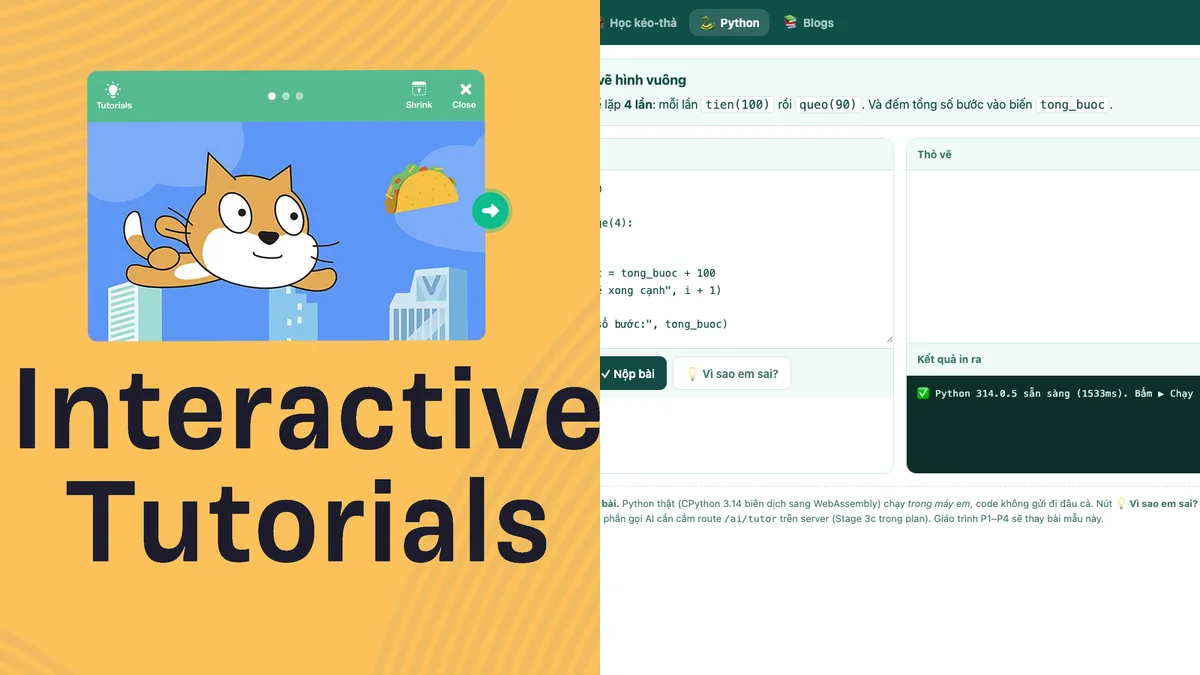
Scratch and Python can both be good entry points, but they deal with two different obstacles. Scratch uses visual building blocks for children to create stories, games and animations. Python uses text code, allowing children to work with a truly general-purpose programming language. Choosing the wrong time will not cause your child to "break the foundation", but it can cause the typing and syntax to obscure the thinking part.
Scratch is suitable when children need to see the logic
Scratch is designed primarily for ages 8–16, although younger children can still use it with adults. The Scratch Foundation describes project creation as a way for children to think creatively, reason systematically, and collaborate. Command blocks help reduce typing errors; Baby sees sequences, loops and conditions as pieces of different shapes. Source: Scratch for parents.
The strongest point of the command block is the quick response: drag a block, run, watch the character move, then correct. Children who are not yet proficient at typing can still spend energy on the question "which command runs first?" instead of looking for a colon on the keyboard.
Python is suitable when children want to express themselves in words
Python has a compact syntax and can be tried directly with the interpreter. However, even the official Python documentation says their tutorial is for people new to Python, not people completely new to programming. This is a helpful reminder: Python being “easy to read” doesn't mean every child should start with Python. Source: Python Tutorial.
Children learning Python must simultaneously handle logic, spelling of variable names, punctuation and indentation. If your child already understands the loop through pictures, the line for i in range(4): is just a new way of writing a familiar idea. If not, your child must learn both the ideas and the syntax at the same time.
Quick decision board
- Choose drag-and-drop/Scratch if your child is not comfortable typing yet, likes to tell stories with pictures, needs immediate results, or is new to sequencing.
- Try Python if your child reads short instructions independently, types without tiring them too much, understands basic loops, and is ready to read errors.
- Use in parallel if your child is curious about Python but still needs command blocks to explore new concepts.
Don't decide based on age alone. Two children in the same class may differ in reading, typing, patience and interest levels. A short test gives more information than the “for what grade” label.
A 20-minute test at home
- Have your child solve a path using 5–7 blocks of code and ask him to predict the result.
- Show him 5 lines Python creates with the transition
- Invite your child to change a number, run back and explain the change.
- Observe: is your child curious about the letters or tired of typing? Does your child see mistakes as puzzles or as failures?
If your child is interested in both, there's no need to force him to give up one. Scratch Foundation encourages “tinkering” — trying, playing, getting stuck and finding ways to get unstuck — and many different paths to creating products. Source: Creative Learning by Scratch Foundation.
Blocks are not “lower” toys
Loops, conditions, variables, and functions do not become less real just because they are represented in color. Baby is learning mental models. When converting to Python, the goal is to map that model to text. Jumping to text code too early sometimes only proves that the child can handle the syntax, not that the child understands the problem deeper.
Conclusion
For complete beginners, prioritize a drag-and-drop environment for the child to build a way of thinking. Gradually switch to Python when reading, typing, and error-correcting no longer take up all of your attention. The best tool is one that allows your child to still be the one solving the problem.
Let your child try the command blocks on Karotto
Karotto is an application to learn programming thinking for children 5–12 years old, with drag-and-drop exercises, step-by-step suggestions, no advertising and no third-party tracking.
View Karotto on the Apple App Store →Cover photo uses the “Interactive Tutorials” resource of the Scratch Foundation and a photo of the Python Karotto page. Scratch is a trademark of the Scratch Foundation; Karotto is not officially affiliated with Scratch.