This week's goal
Children remix a Starter Official Project, create at least three changes and present one of them.
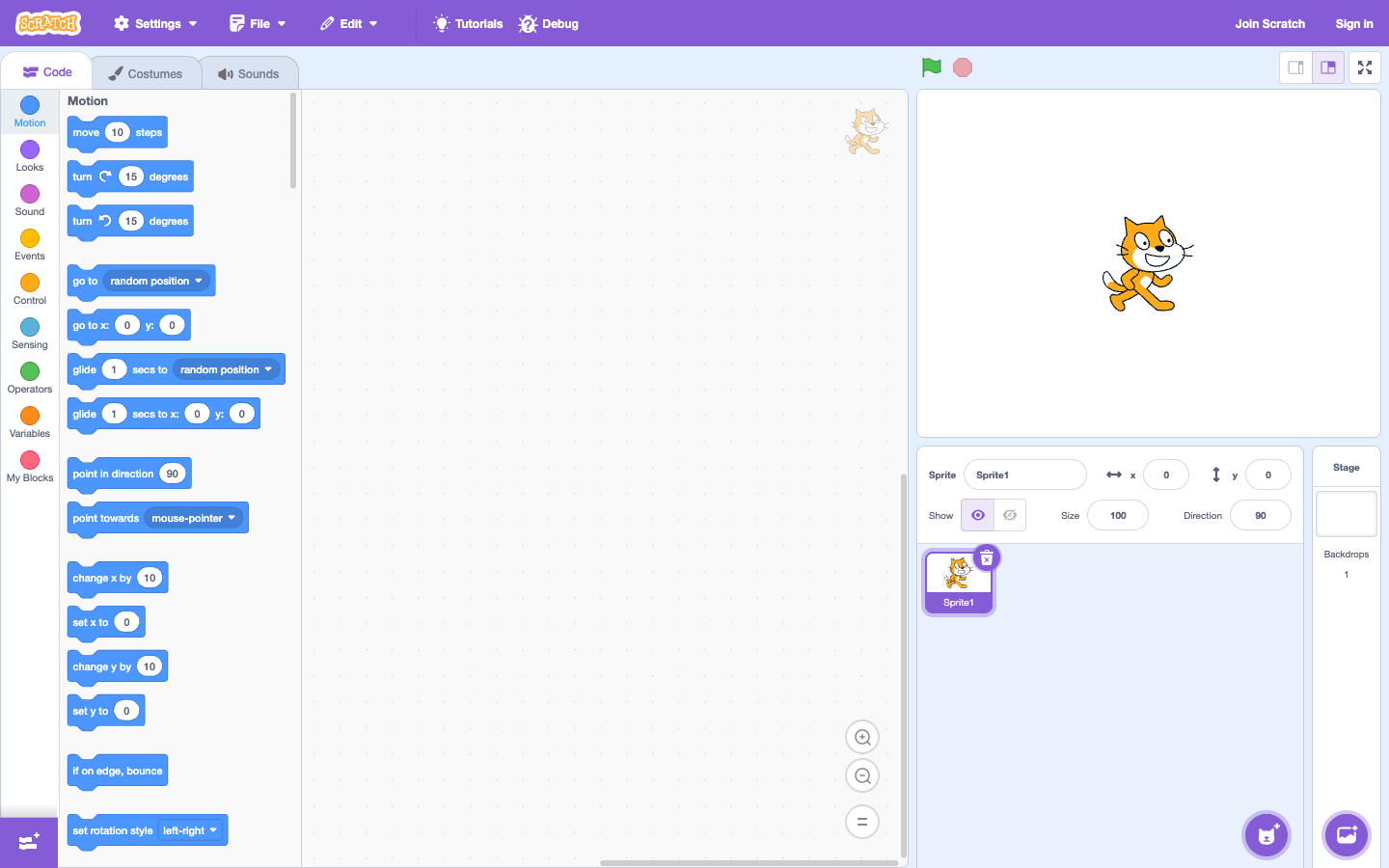
Choose a suitable project
Select Maze Starter, Pong Starter or Animate the Crab. Don't start with a multi-screen platform game. The best project is the one your child can understand in the first 5 minutes.
Three intentional changes
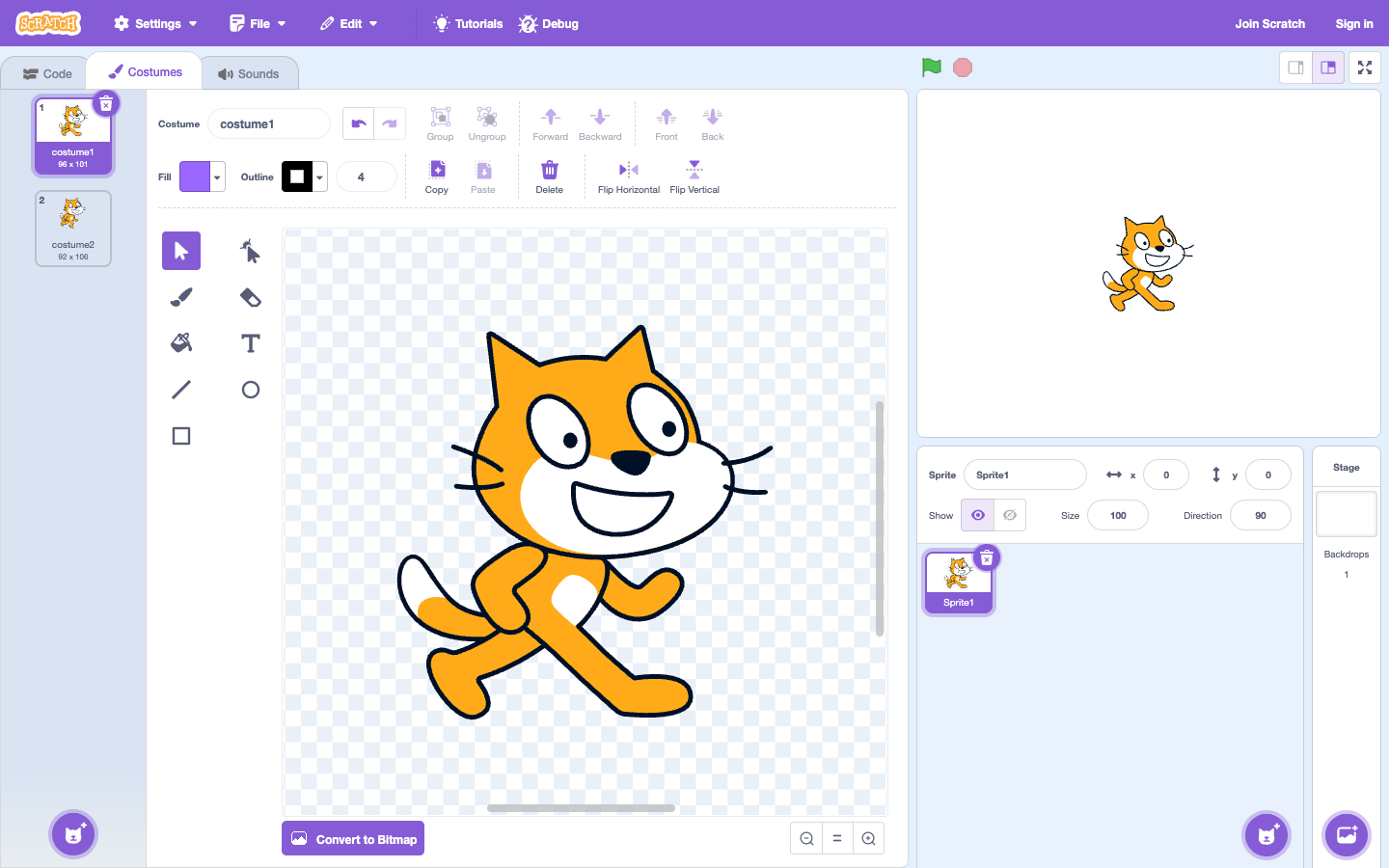
- Change image: change character or backdrop.
- Change rules: change speed, points to win or destination position.
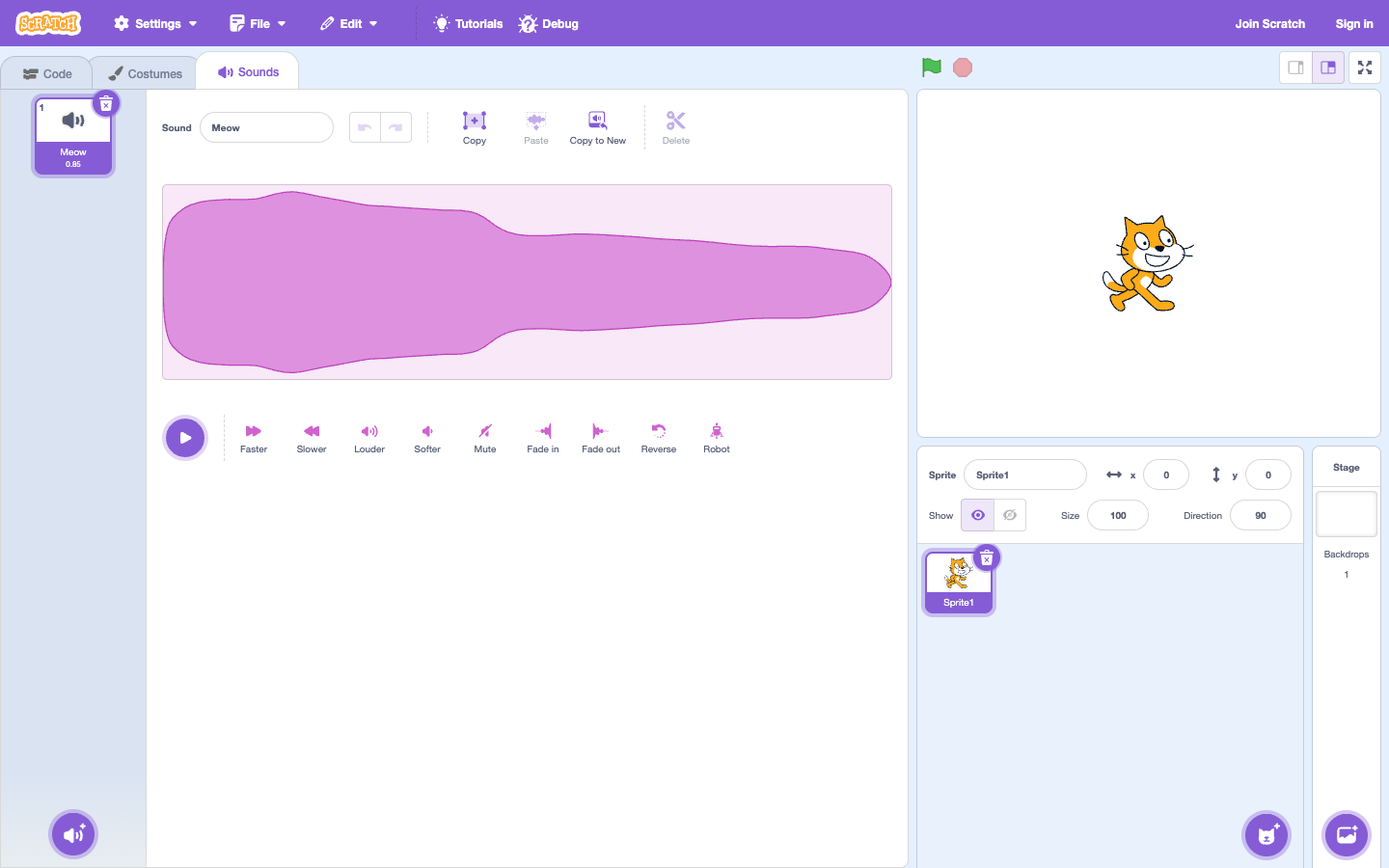
- Change feeling: add sound, greeting or effect when win.
Change only one thing at a time, test it and tell me the results. If the project breaks, go back to the most recent change instead of deleting everything.
Mini Presentation
Let your child introduce the project in 1 minute: "This is my game/story. I changed... I encountered an error... I fixed it by...". Retelling helps children turn operations into understanding.
Step-by-step lesson script
- Open the Starter Project and run it originally once before editing.
- Choose three correct changes on paper: image, rule and sound.
- Make each change, run Try and write down what you just changed.
- Let your baby introduce it for a minute; Adults only ask more questions, do not explain for the baby.
After 6 weeks
The baby does not need to memorize all Scratch blocks. What's valuable is that your child knows how to start from a small goal, predict, test, read errors and improve. From here, your child can choose a favorite project and repeat that cycle.
Continue to practice thinking with Karotto
Scratch is a place where children freely turn ideas into projects. Karotto can serve as short, targeted practice sessions, helping your child consolidate sequences, loops, conditions and functions before returning to new projects.
See Karotto on the App Store →