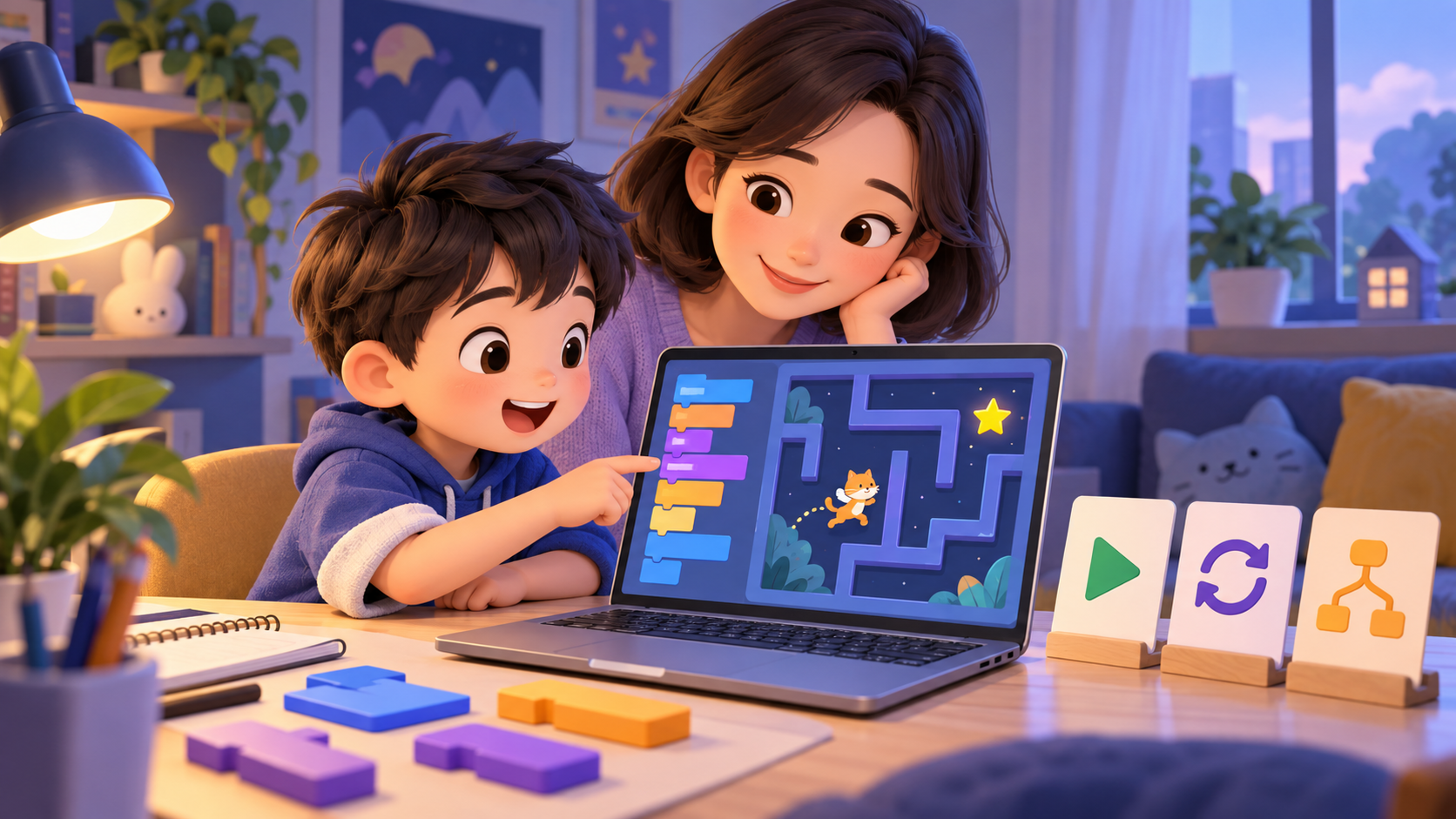
Scratch is a free visual programming environment where kids combine blocks of code to create stories, animations, and games. Scratch is aimed at learners 8–16 years old, but younger children can still get started if they have an adult accompanying them or already have a drag-and-drop platform. Scratch introduction page clearly explains the platform's goal: to help learners develop creative thinking, systematic reasoning and collaboration.
Websites to use to get started
- scratch.mit.edu: go to Create to make a new project. Children can view and run projects even without creating an account; account helps save and share projects.
- Scratch Ideas: interactive tutorial library, including Getting Started, animations, games, music and stories. This is the best entry point for the first week.
- Video Tutorials: short videos about moving, rotating, changing colors, making simple games, storytelling and drawing actions.
- Starter Projects: sample projects are available for your child to open, look inside and then remix. Start from Maze Starter, Pong Starter or Animate the Crab instead of the blank page.
- Getting Started Guide (PDF): official document summarizing how to create projects, use tutorials and remix sample projects.
- ScratchEd: resource store and community for parents and teachers; suitable when adults want to find activities or lesson plans.
Rules for the first session: don't ask your child to "make a game". Let your baby do a small thing right away: press the green flag for the character to say hello, take 10 steps, change outfits or play a sound. A small result that your child can self-manage is better than a large video-based project.
Scratch 6-week roadmap for beginners
Three ways to help your child learn on his own without getting stuck
1. Divide the project into small questions
Instead of “making a maze game”, ask: “Where does the character start?”, “What key do I press to go?”, “What is winning?”. Each answer is a group of command blocks to try. When your child gets stuck, just return to the small question that has no answer.
2. Predict before pressing the green flag
Ask “What do you think the character will do?” before running the code. Then compare the prediction with the results. This turns error correction into targeted observation, instead of changing multiple blocks of code at once.
3. Remix one change before doing more
When opening the Starter Project, your child only needs to change one thing: speed, character, win points or context. Test drive, understand the impact, then change again. Copying the entire project makes the child have a product but not know which part does what.
Why can Scratch self-study still be difficult?
Scratch gives children a lot of freedom, and that is both an advantage and a difficulty. The interface has many groups of commands, blank pages do not tell children where to start, and tutorials are often aimed at completing a product. Children who are just learning can follow along but do not yet have time to clearly understand the sequence, loop or conditions to solve a new problem on their own.
Therefore, a sample video or project should come with small questions and specific goals. You don't need to complete a big game to learn well; Children need to choose the command many times, observe the results and correct a small error.
Karotto is the step before Scratch. Karotto uses blocks with the same drag-and-drop thinking style: sequences, loops, conditions and functions. But the lessons are divided into short challenges with clear goals, incremental suggestions, and fewer overwhelming choices. Children can practice reading directions, choosing commands and correcting previous solutions; When coming to Scratch, children can easily focus on turning those concepts into their own games or stories.
Appropriate duration
For beginners, 20–30 minutes for a session is enough: 5 minutes to review the goal, 15–20 minutes to create and try, 5 minutes for the child to tell what he did. Stopping after a small step is better than continuing until your baby is just clicking along.
The most important thing
Scratch does not need to be studied as a subject that must be "finished" quickly. Let your child go from short, targeted challenges to free projects: understanding each block, predicting the outcome, correcting errors, then creating their own world. Karotto can help your baby's first steps; Scratch is where children take those steps far.
Let children get acquainted with the block first
Karotto has short drag-and-drop challenges, helping children practice sequences, loops and conditions before starting an open Scratch project.
View Karotto on the App Store →