This week's goal
The child can create a character that greets, walks a few steps and makes a sound when pressing the green flag; Then the child can say which command happens first and which command happens later.
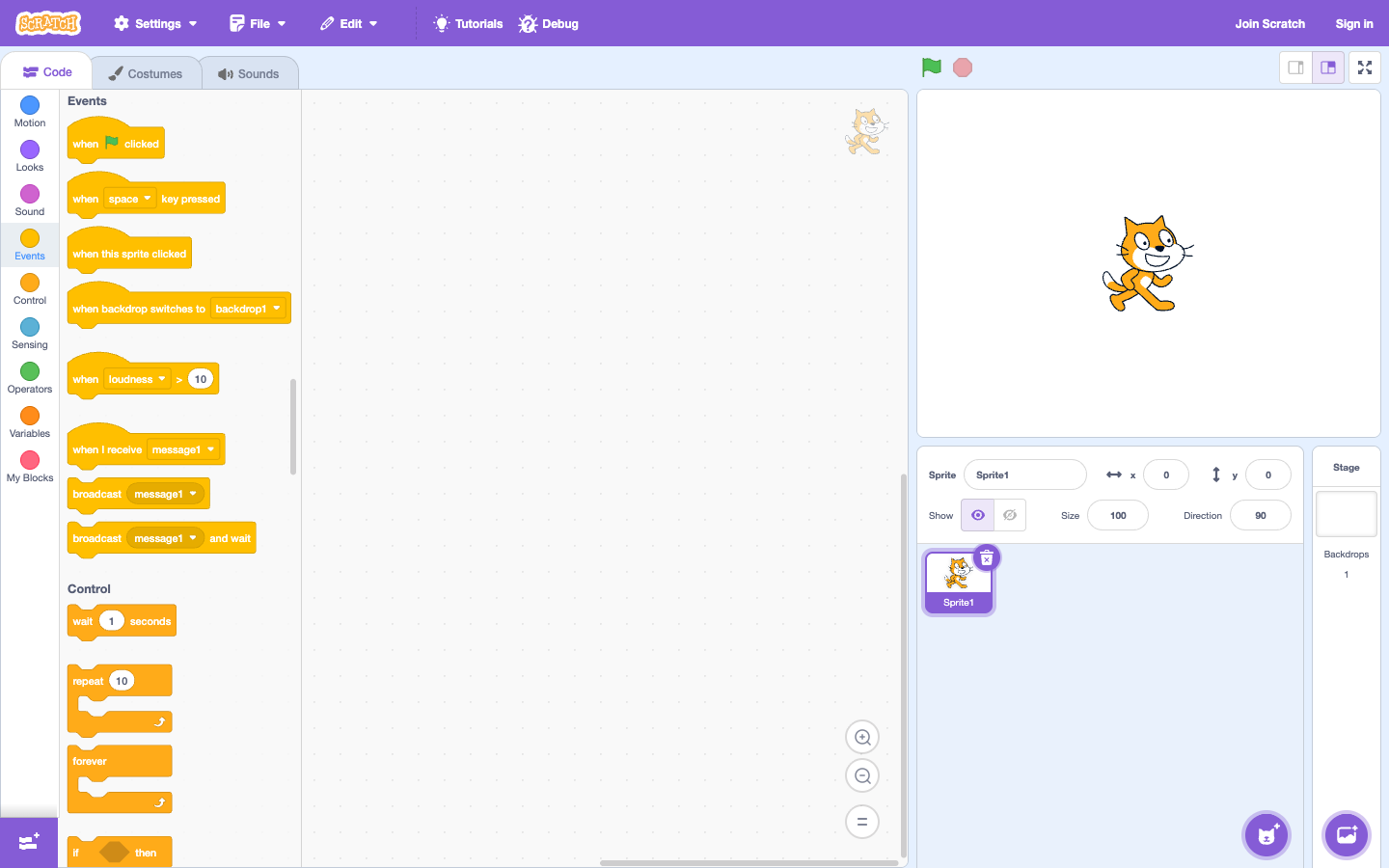
Prepare
Enter Scratch Create. Open the tutorial Getting Started. No need to create an account for the first tryout.
Challenge 1: greeting when pressing the green flag
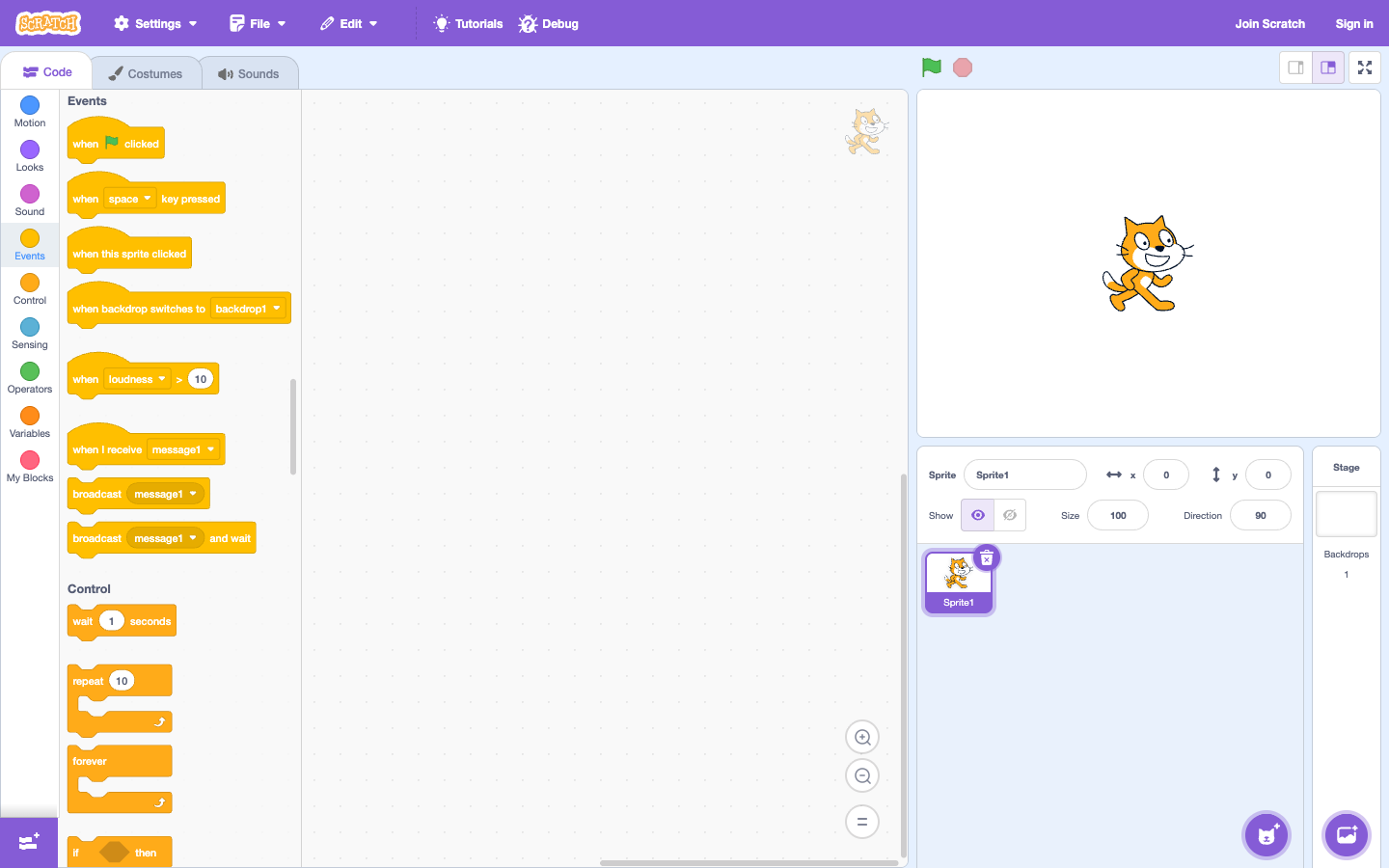
- Drag the block when clicking the green flag in the code area.
- Connect block say “Hello!” for 2 seconds.
- Press the green flag and observe.
Ask your child: “If you change these two command blocks, what will happen?” This is when your child understands the starting event and sequence.
Step-by-step lesson script
- Prediction: asks the child “How does the character know when to start?”.
- Pair 2 blocks: only use green flags and words, run immediately after each new block added.
- Trial and error: separate two blocks so the child can observe why the program has not run yet.
- Retell: the child describes the sequence of green flags → go → speak → sound.
Challenge 2: character walks then speaks
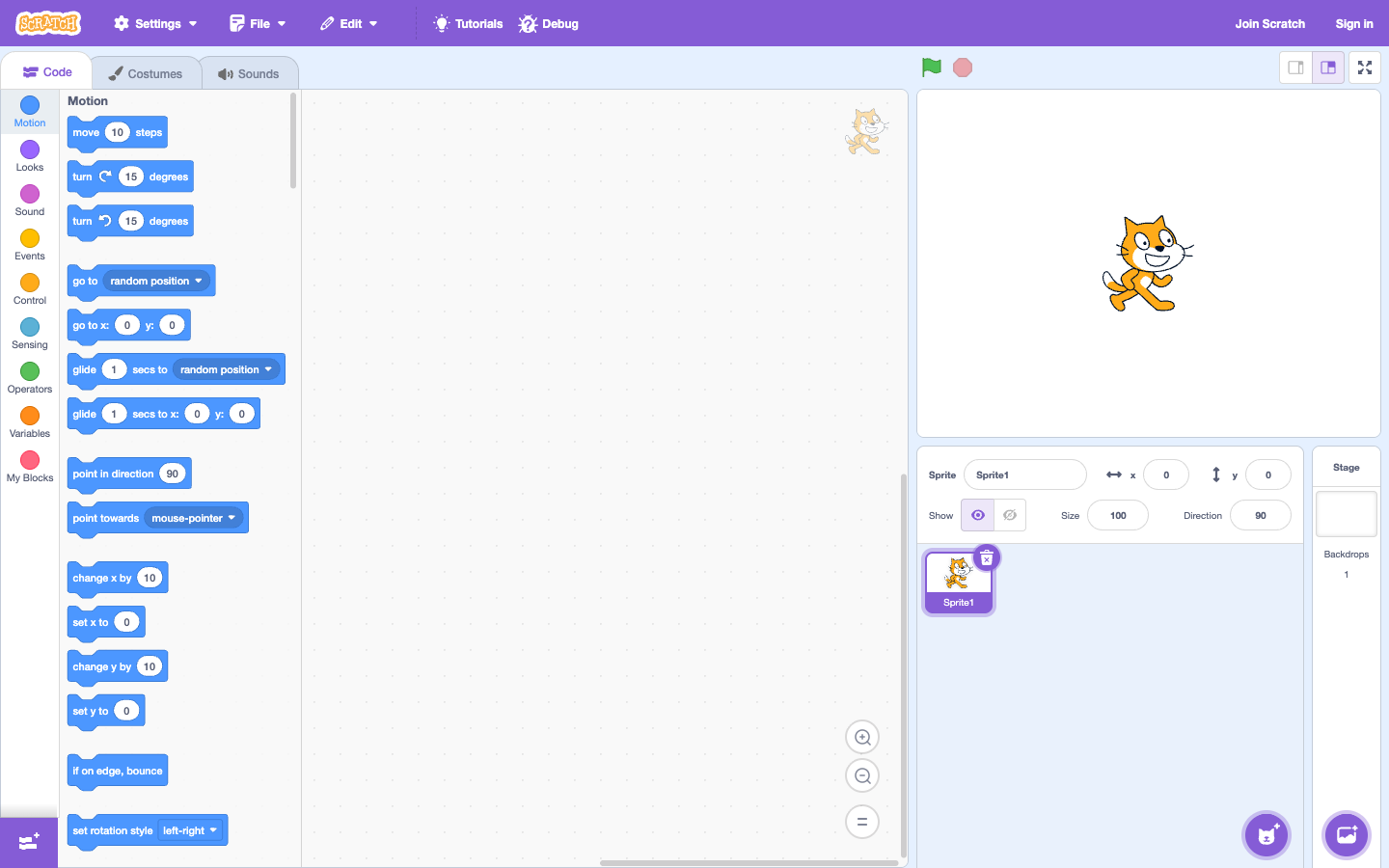
Add move 10 steps before the speaking block. Then change to 50 steps, run again and ask the child how the character is different. Don't fix it for me; baby needs to see for themselves the consequences of each change.
Challenge 3: add sounds
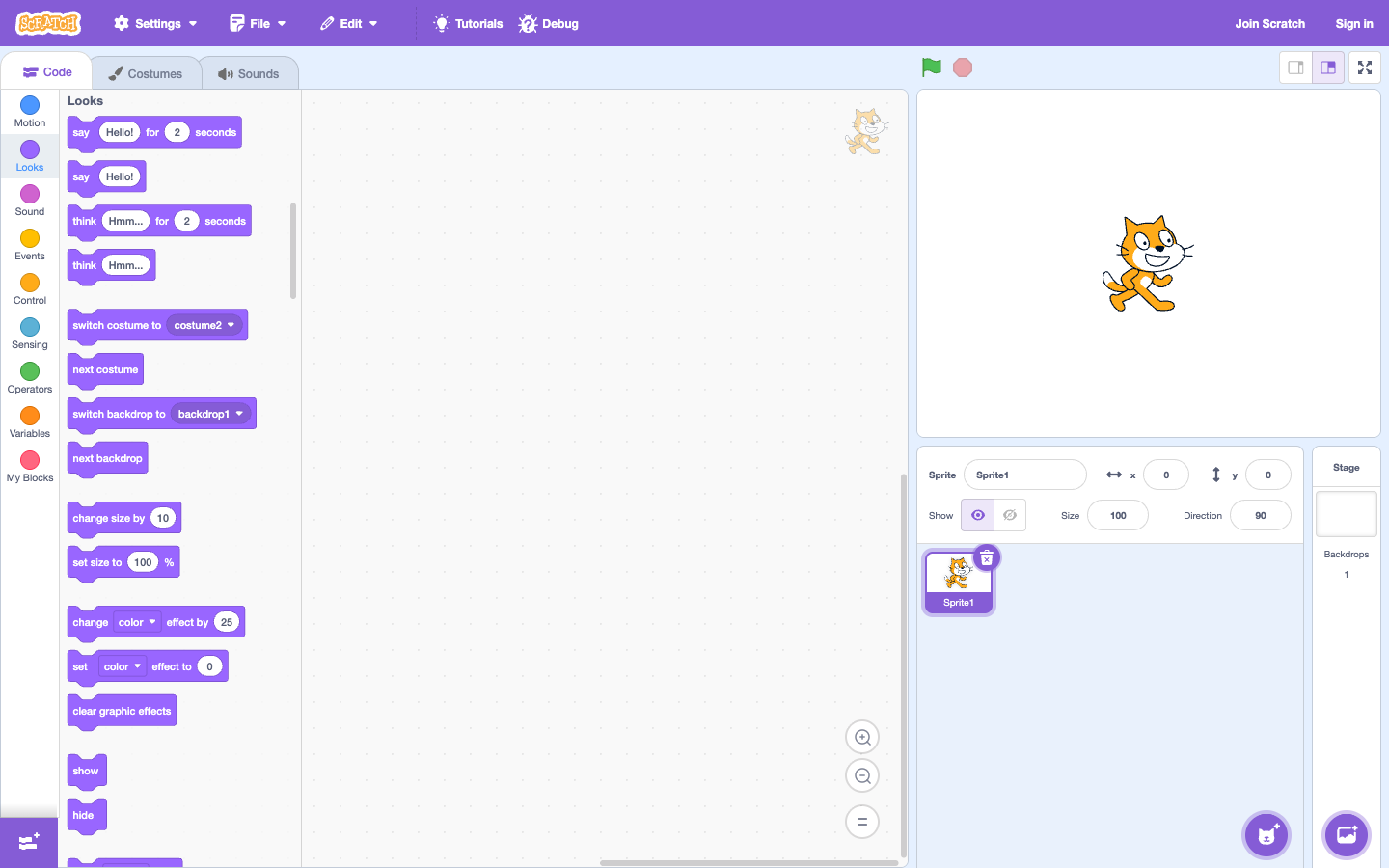
Append an audio block to the end of the string. Children can change sounds or greetings. The goal is not to choose beautiful sounds, but to understand that each block does one thing.
Questions for parents: “If you remove the green flag, when will the code run?”, “What do you predict the character will do before clicking?”
Signs your baby is ready for week 2
Your baby can match the green flag → move → talk/sound and explain that order. If not, change the character or greeting, then do another short session.
Practice sequences with Karotto
Before or after the Scratch session, your child can do short drag-and-drop challenges of Karotto to practice reading directions, choosing commands in order, and self-correcting words prize.
View Karotto on the App Store →