This week's goal
Baby can differentiate repeat 10 times and forever, and use at least one of them to create a looping motion.
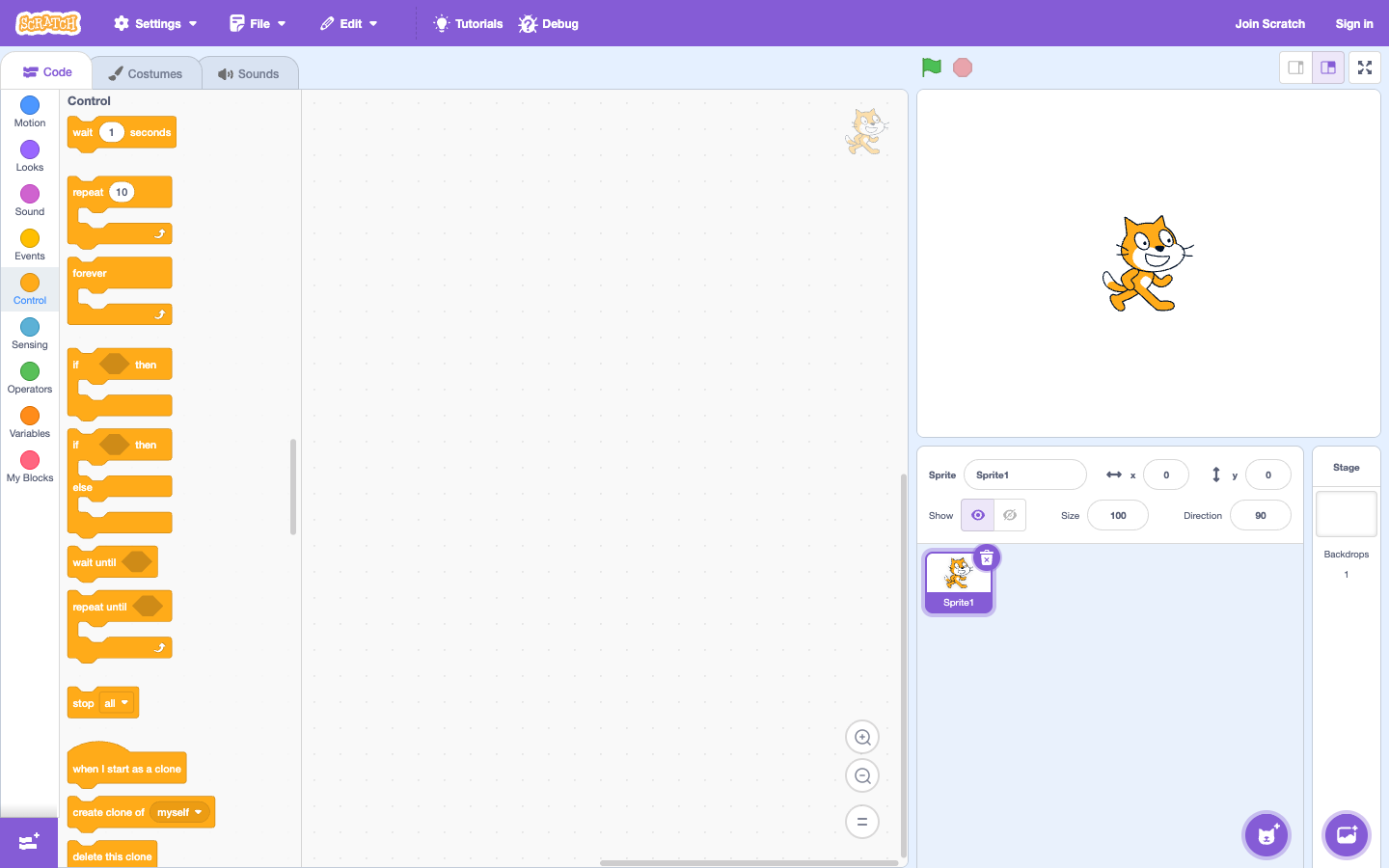
Challenge 1: 4-beat dance
Turn 15 degrees, change outfits, wait a bit to get inside repeat 4 times. Before running, ask your child to guess how many degrees the character will turn in total.
Challenge 2: patrol character
Let the character move 50 steps then turn 180 degrees, placing both blocks forever. Children observe what happens if they forget the spinning block. From that mistake, the child learns to debug with evidence.
Challenge 3: replace long strings
Give your baby a series of “10-step moves” repeated 5 times. Ask: “Is there a block that helps me say this shorter?” After switching to a loop, compare the two solutions.
Step-by-step lesson scenario
- Place 4 identical blocks next to each other so the child can see the repeating pattern.
- Point to the repeating part: go, change clothes, wait.
- Put the pattern into repeat 4 times; Children predict before running.
- Change the number of iterations and ask what changes and what stays the same.
Concepts to remember
Loops don't just make code short. It tells the computer that a rule can be applied multiple times.
Practice stepped loops with Karotto
Karotto exercises show your child a specific path or repeating pattern, then try using fewer commands. This is a targeted practice step before your child applies the loop to the Scratch project.
See Karotto on the App Store →