This week's goal
You make the character walk with the arrow keys and add a simple win or lose rule.
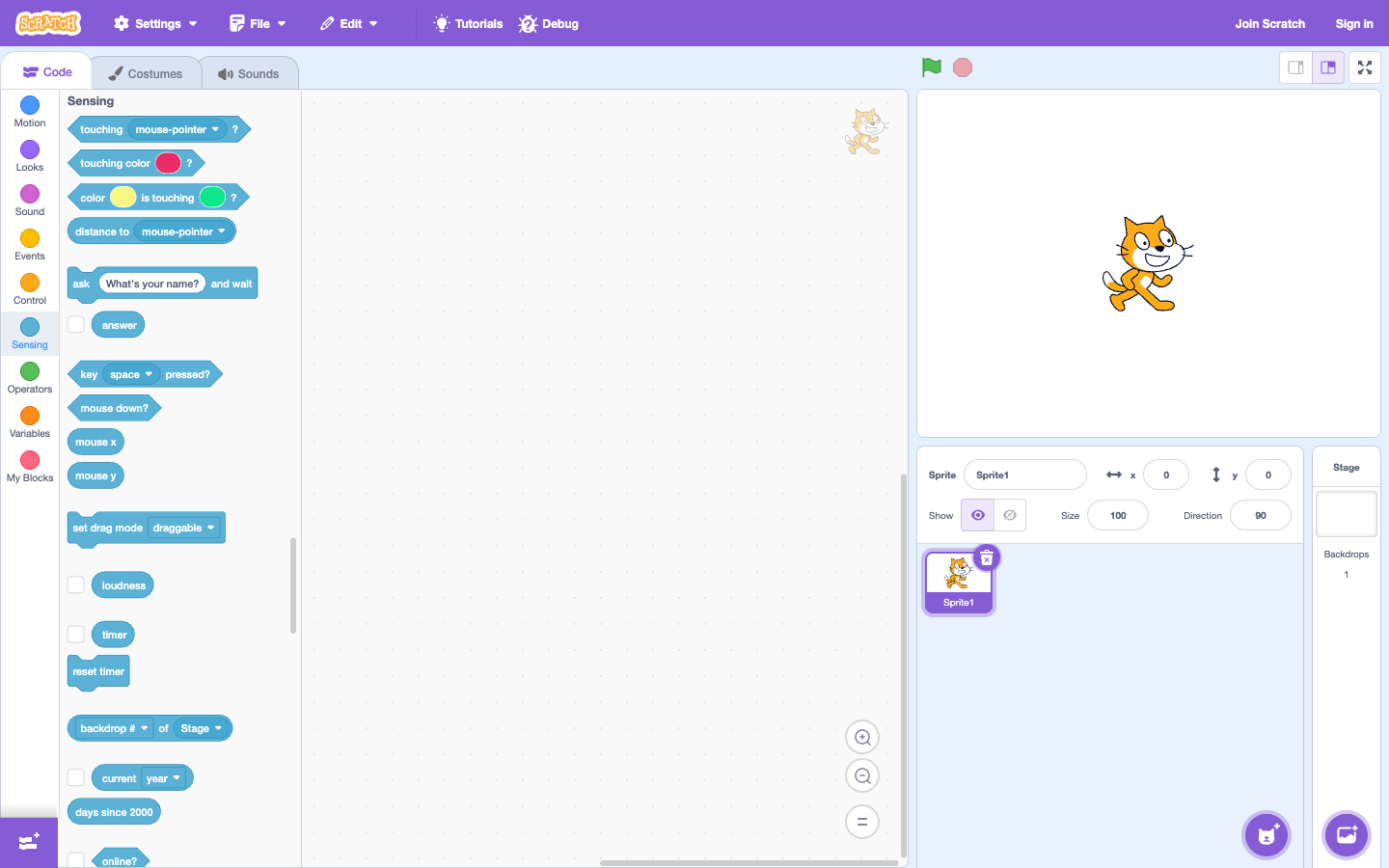
Challenge 1: four arrow keys
Create four scripts: when arrow key pressed and then replace change x/y. Children test each key and explain why left/right changes x and up/down changes y.
Challenge 2: maze wall
Draw a wall line with a clear color. In the test loop, use if it touches the color… then returns to the starting position. Let your child intentionally choose the wrong color and observe why the rule doesn't work.
Challenge 3: win condition
Set a star as destination. If you touch the star, say "I won!" and stop. Ask the child: "If you check the star first before checking the wall, will the game be different?"
Step-by-step lesson scenario
- Only do one arrow key first, then multiply the four directions.
- Draw a wall of a single color and choose the correct color in the color touch block.
- Add a destination and a win rule; Don't add a clock or multiple levels yet.
- Intentionally touch the wall to test if the rule really works.
Tip: only add one rule at a time. A maze with too many rules will make it difficult for children to know which part the mistake is.
Karotto: practice the conditions before making the game
Karotto puts the conditions into small challenges such as choosing a path or responding when encountering obstacles. Children learn to understand "if... then..." in a clear goal lesson, then carry that thinking to the Scratch maze.
See Karotto on the App Store →