This week's goal
Kids create variables points, set the score to 0 at the start and Increases points when the character touches objects.
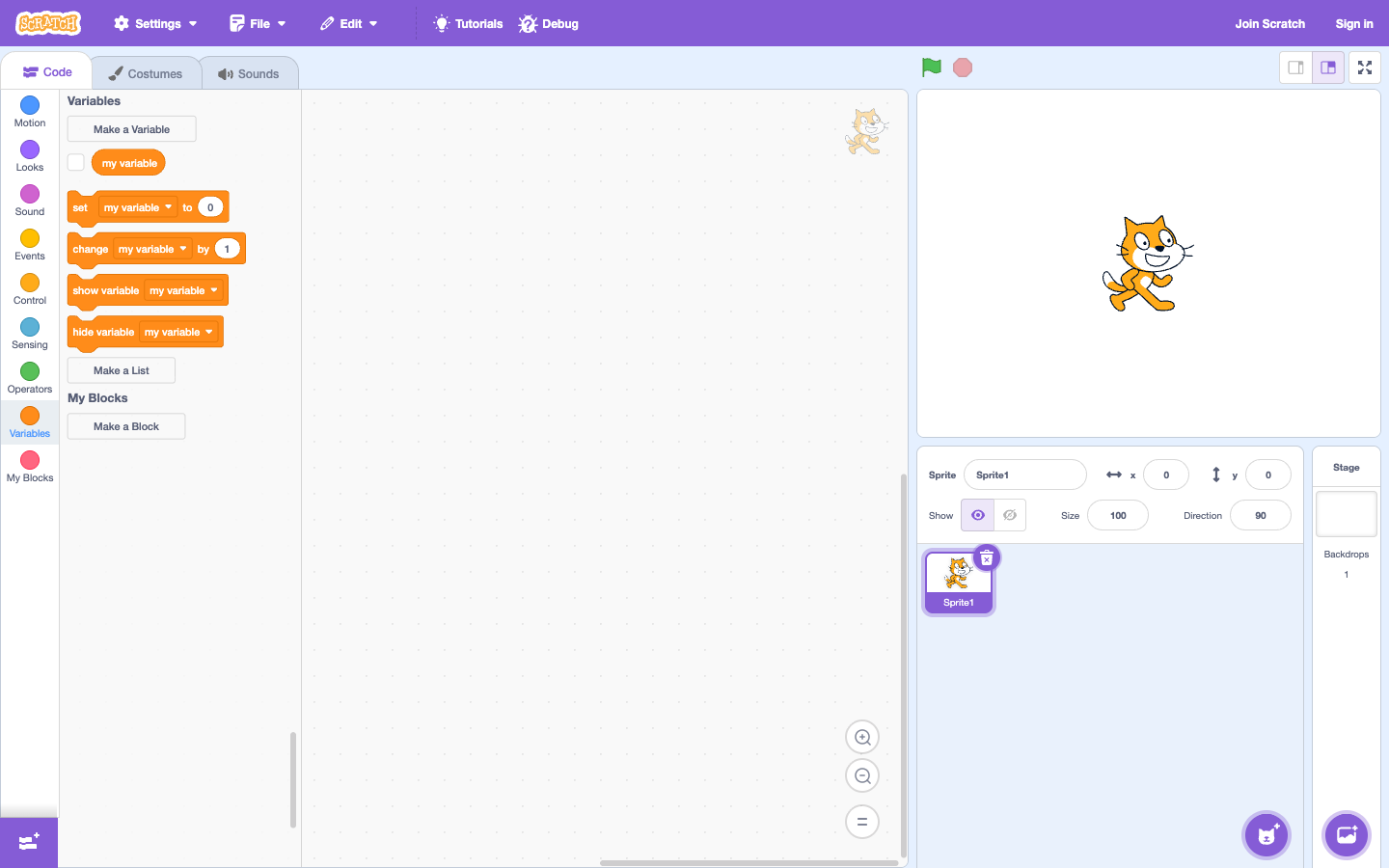
Challenge 1: create point variable
In the Variables group, create a variable named “point”. When pressing the green flag, set the score to 0. Play it back a few times to show your child why the score must be reset: otherwise, the game will remember the old result.
Challenge 2: catch an object
When the character touches an object, change the point by 1 and move the object to another location. Children need to check if the object reappears; This is the time to understand that the game consists of many scripts working together.
Challenge 3: 10 point goal
Use condition: if score equals 10 then announce win. Ask the child: "If the score jumps from 9 to 11, will the condition equal to 10 work?" This question paves the way for closer examination thinking.
Step-by-step lesson script
- Create a variable, name it with a word your child understands: points, stars or apples.
- Set the value to 0 under the green flag and run the game twice to compare.
- Add one point when touching objects; Observe the numbers before and after the collision.
- Add a win mark, then let your child choose a mark of 5 or 10 points.
Concepts to remember
A variable is a box with a name. The value in the box can be changed while the game is running.
Consolidate thinking before big projects with Karotto
When your child is still confused with many blocks and rules in Scratch, Karotto keeps each challenge to a small problem. Children practice observing results, finding errors and correcting each step before making a game with scores.
See Karotto on App Store →