For kids small, a good programming app doesn't start with a screen full of text. Children need to see the character respond as soon as they place an order, to try again when they are wrong, and to have a reasonable challenge to want to continue. So, instead of just looking at the number of lessons, see if the application is suitable for your child's current stage or not.
Transparency note: Karotto is a product of the team operating this website, so it is ranked at the top of the list because it is consistent with our orientation to learning through play. The remaining options are popular apps for parents to refer to and compare.
1. Karotto — learn to think with drag-and-drop challenges
Suitable for: 5–12 year olds who are new to programming or need a gentle, guided path.
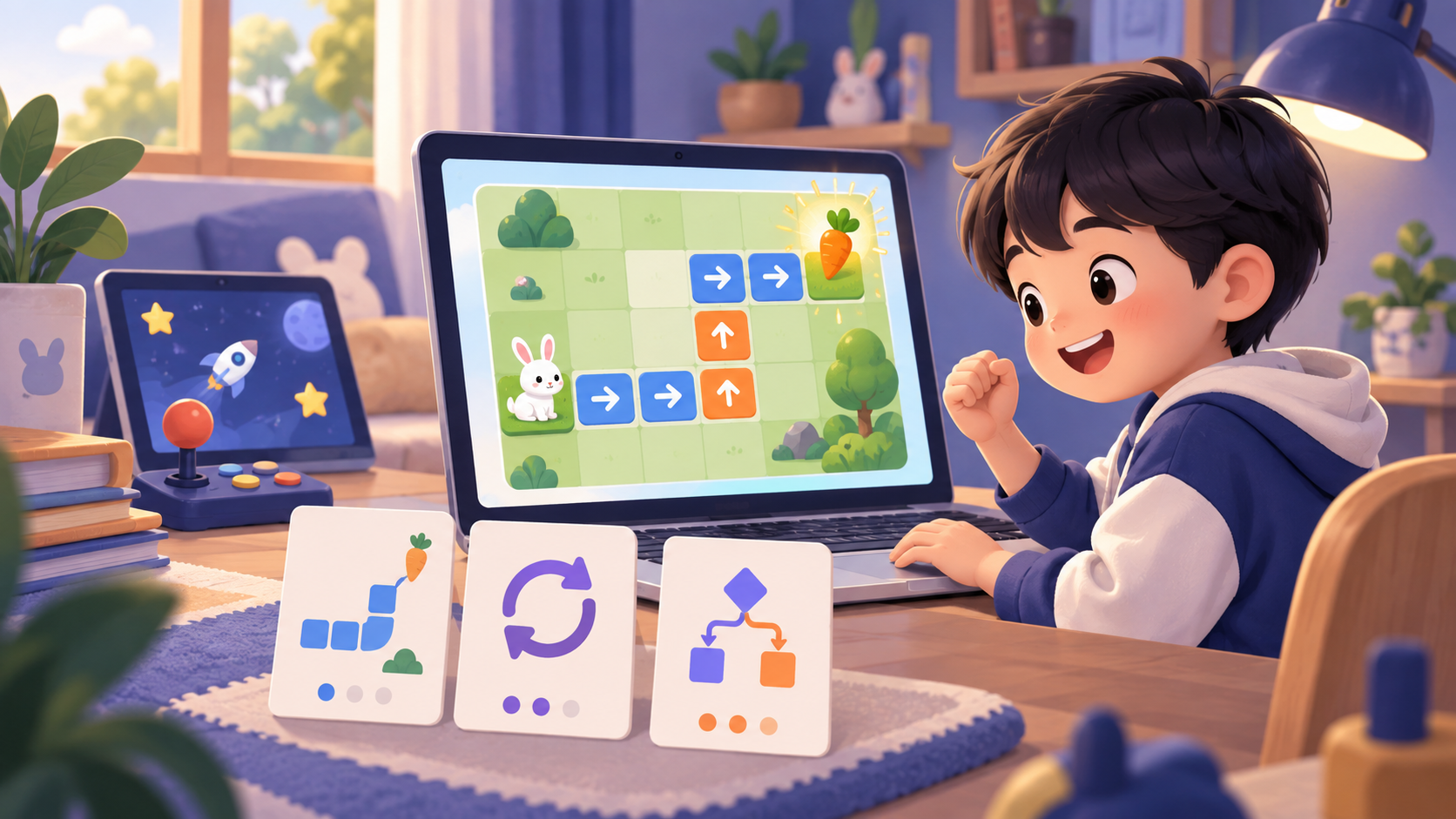
Karotto turns loops, conditions, and functions into small, actionable problems clear goal: get the character to the destination, find a way to use fewer commands, or fix an incorrect command sequence. Baby does not belong to the previous concept; Children see it working and then gradually name the idea behind it.
The notable point is that the lessons are arranged according to a roadmap: each challenge trains a skill, then uses that skill as a foundation for the next lesson. Your child gets to play, but not just "playing for fun" — he or she is practicing a curriculum from sequential thinking to loops, conditionals, and functions. This is a suitable choice when the family wants the child to create results and make targeted progress.
See Karotto on the App Store →
2. ScratchJr — free story telling and animation
Suitable for: young children who like to draw, tell stories and control characters.
ScratchJr uses large command blocks with few words to help children create simple animations. Children can choose characters, add movements, sounds and backgrounds. This is a fun way to start understanding that “everything happens because you put the steps in order.”
Points to consider: ScratchJr is a creative environment, not a pre-existing curriculum. The App does not automatically set practice objectives for each skill or lead children through a series of lessons from easy to difficult. Therefore, your child may really like creating stories but may not be able to practice programming concepts well. Parents or teachers need to set their own tasks, for example "make a character take 4 steps and then repeat", and monitor what the child has grasped.
ScratchJr is especially suitable for children who are not ready for maze-like challenges or reading long instructions. Use it as an additional creative tool; If you want your child to practice systematically, combine it with a roadmap or app with clear lesson goals.
3. codeSpark Academy — game-style puzzle
Suitable for: children who like games, need motivation from levels and rewards.
codeSpark Academy brings programming concepts into animated levels with cute characters. Children solve mazes, order commands, and step by step encounter ideas such as sequences or loops. The fast pace of play helps some children get started easier than with traditional lessons.
This is a group of apps that focus more on game experience: levels, characters and rewards are the main motivations. When choosing this type of app, parents should repeat with their child, "What did you just do to make the character move correctly?" Let passing the level become a thinking lesson, not just a reward.
4. Tynker — many paths, from drag-and-drop to code
Perfect for: kids who are older or have a drag-and-drop background and want to explore diverse projects.
Tynker has a variety of topics, from game making to animation to hands-on coding exercises. Variety is an advantage for babies with clear preferences; Children can choose a project that is close to what they want to create.
In return, the number of choices sometimes overwhelms beginners. Choose a short and stable route first, instead of letting your baby jump between too many topics.
5. Kodable — structured lessons for early stages
Suitable for: preschool and early elementary school children, especially if parents want to monitor progress.
Kodable uses characters and mazes to introduce sequences, conditions, and loops. Lessons are often divided into small goals so parents can easily know what skills their children are practicing.
This is an option worth considering if the family likes a clear learning framework. However, you should still let your child have free time to experiment instead of just sticking to completing each lesson.
Which app should you choose for your child?
ScratchJr, codeSpark Academy and Tynker all have strengths in the feeling of playing games or doing projects on their own. That's great to spark interest, but families should check further: does the child have an object to practice, what skills is the child repeating, and does the next lesson build on the previous lesson? If the answer is not clear, add a textbook or choose an app with a ready-made roadmap.objective to practiceno, what skills is he repeating and does the next lesson build on the previous lesson? If the answer is not clear, add a textbook or choose an app with a ready-made roadmap.
Conclusion
The best app is the one that makes your baby want to think one step further, not the one with lots of levels. Try a short session, observe to see if your child understands what he is doing and is happy to correct mistakes. If so, it's a suitable choice to move forward.
Start with Karotto
Short drag-and-drop lessons help children learn by trying, observing and finding the solution themselves.
Download Karotto on the App Store →